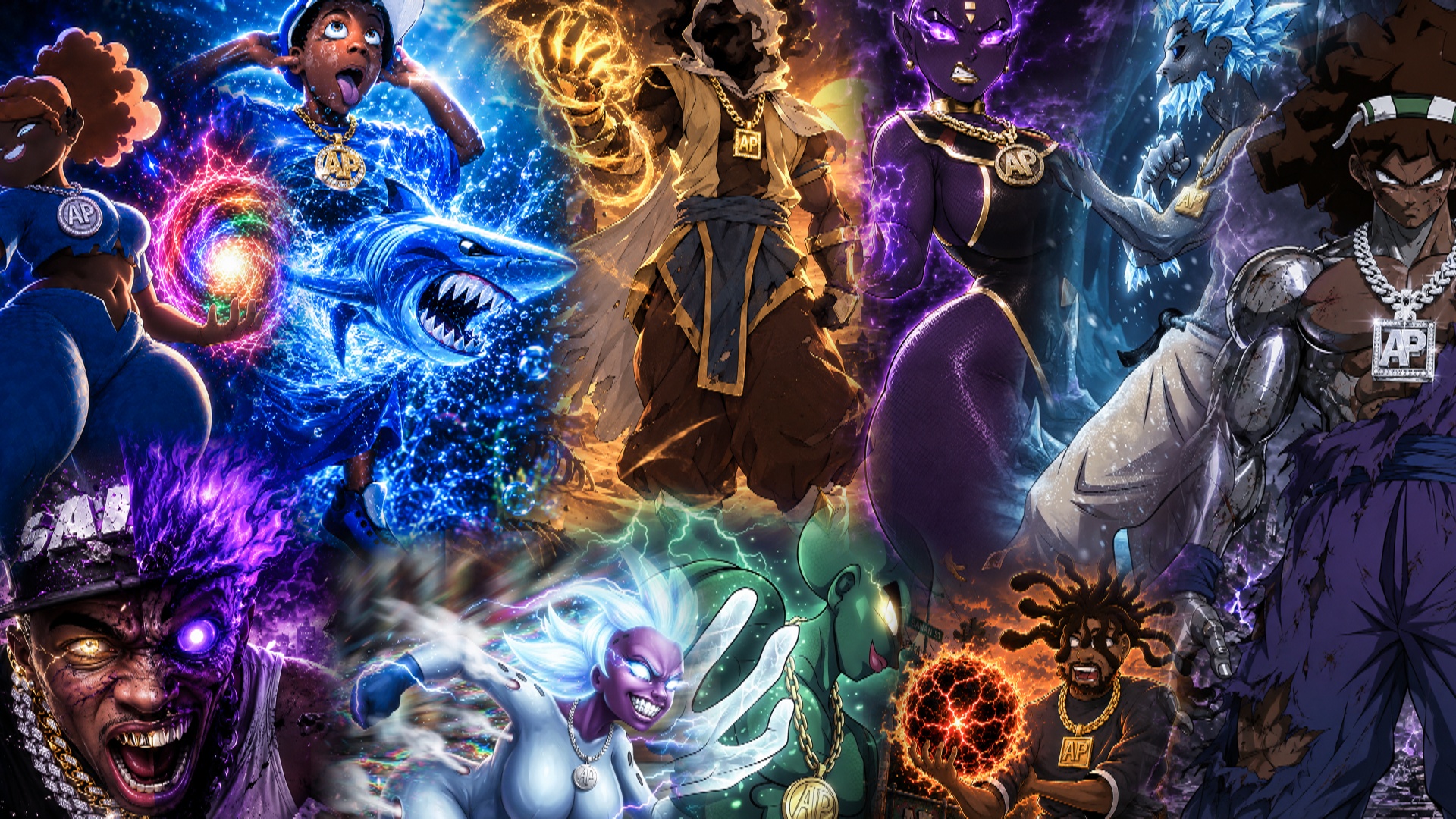
Dopie GemChasers | strategy card game
A downloadable game for Windows and Android
Dopie GemChasers is a competitive strategy card game built around the powerful connection between Gems and Battle Cards.
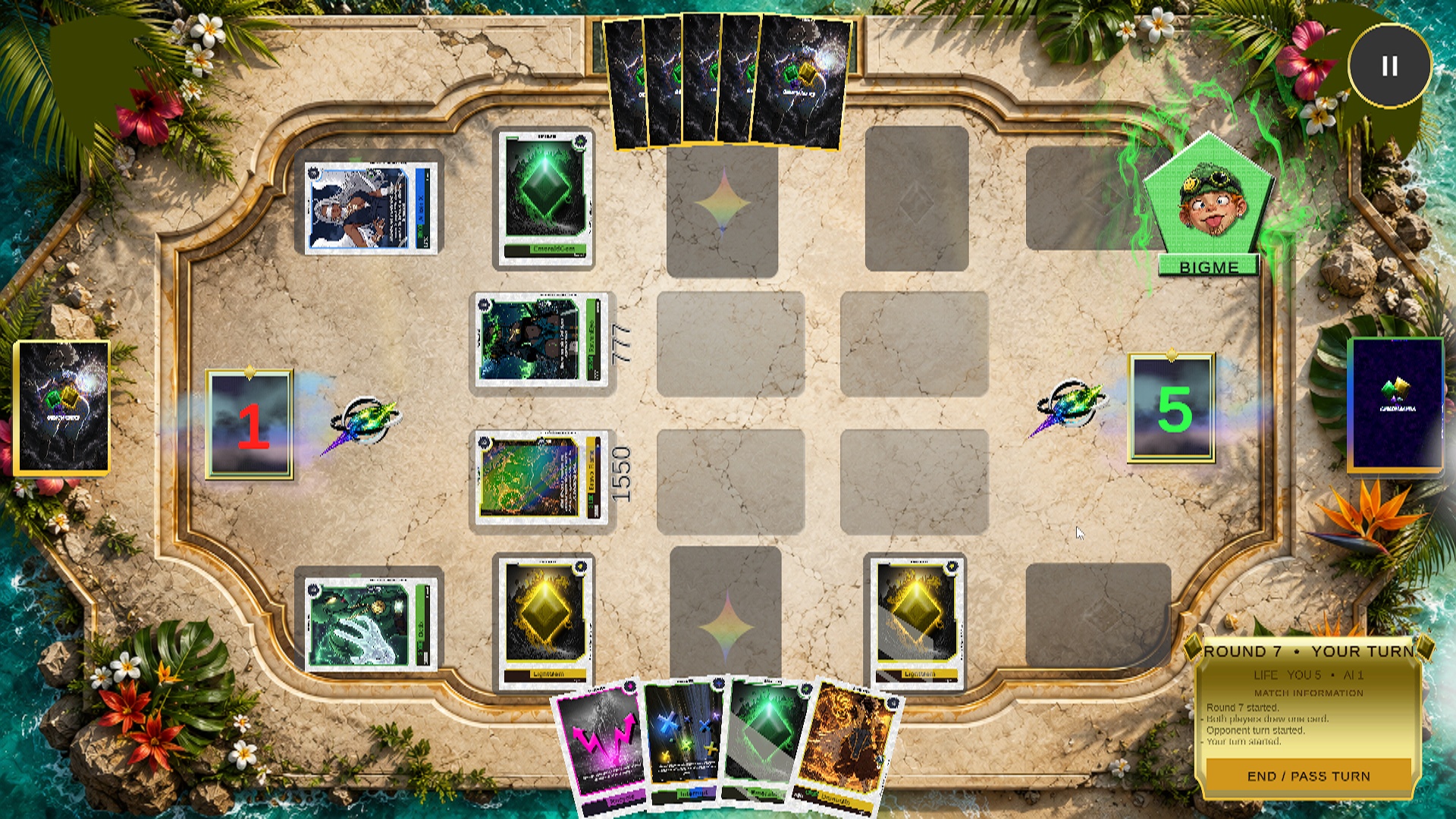
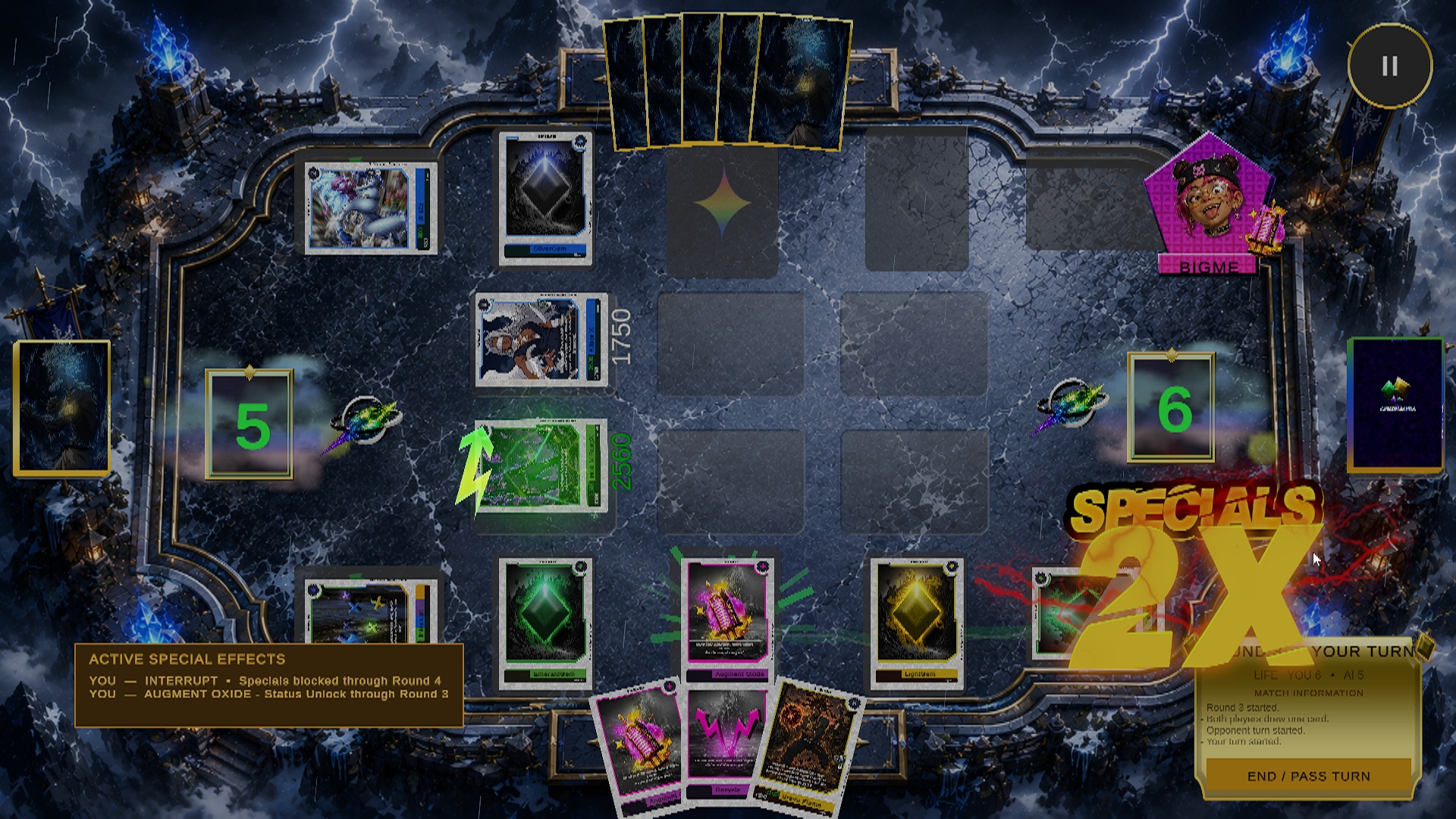
Choose your Gems, place them carefully, and link them with warriors capable of turning the tide of battle. Use Special Cards to disrupt your opponent, strengthen your position, restore Life Points, steal resources, reverse effects, and create unexpected combinations.
Every decision matters. A powerful card alone may not be enough—victory depends on timing, positioning, deck construction, and knowing when to attack or protect your remaining Life Points.
Game Features
- Strategic Gem and Battle Card linking mechanics
- Battle Cards with different levels, power values, and abilities
- Special Cards capable of dramatically changing a match
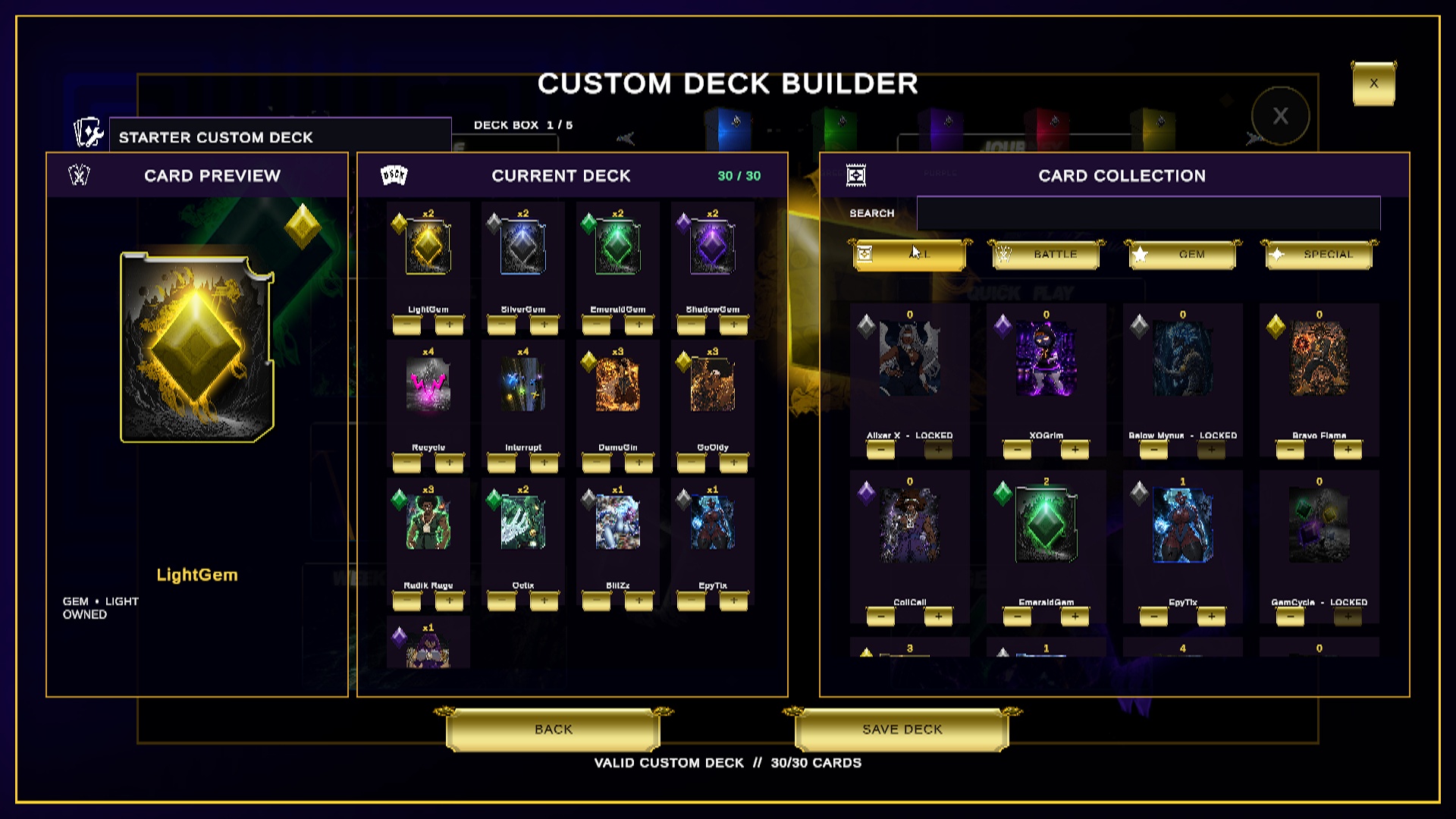
- Custom deck building and card collection progression
- Solo battles against AI opponents
- Online Friend Matches using invite codes
- Multiple unlockable maps and battlefield themes
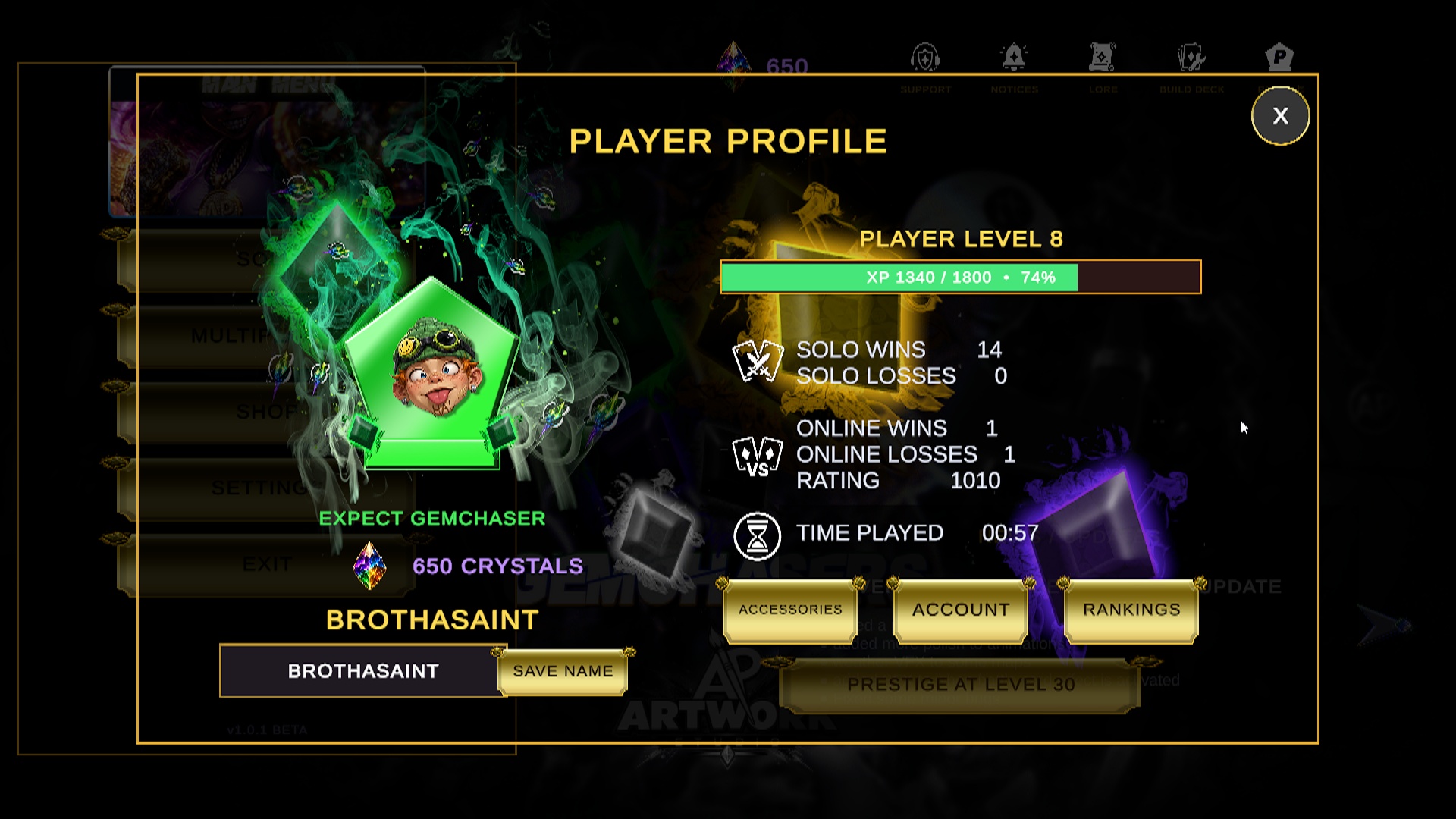
- Player profiles with selectable avatars, frames, auras, and card backs
- Progression-based rewards and unlockable content
- Dynamic battle animations, visual effects, and impactful card attacks
The Journey Ahead
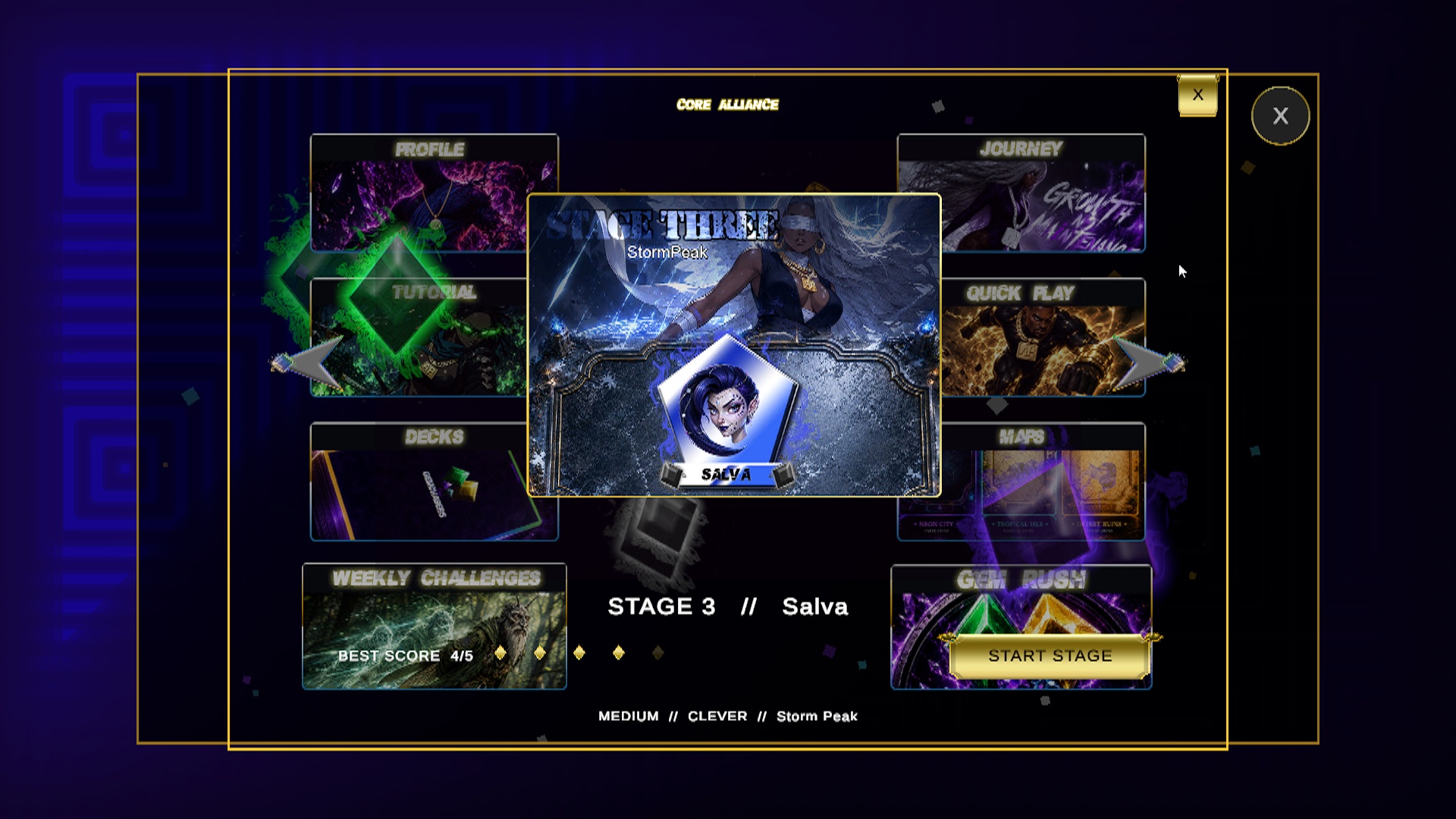
Take on increasingly challenging AI opponents, earn experience, improve your stage completion score, and unlock new cards, maps, avatars, frames, auras, and other rewards.
Each Journey stage introduces its own opponent, deck, playstyle, difficulty, and battlefield. Winning is only the beginning—how you achieve victory determines your final score and rewards.
Download
Install instructions
Android
you will need to disable your auto blocker in security and privacy in order to install the game on your device. (when there is new update you will need to manually redownload the new update from the itch.io site, install and update)
Windows
After downloading create a folder and unzip the game in it. then open the launcher folder and ALWAYS USE THE LAUNCHER to start up the game so you don't mess out on any updates or patches to the game. (make sure u have the launcher from the build 0.5.2 and higher)
Delete
just delete the entire folder and any shortcut you have made of the game. (the game is still a portable version therefor, it is not actually installed on your system)
Development log
- Dev Update: Public Playtesting Is Now Open!5 days ago
Comments
Log in with itch.io to leave a comment.
please give me some feedback about your experience playing the game